Fix parse errors (missing headers, undefined macros, inactive code)
Symptoms of an inaccurate C/C++ parse:
- Inactive code that should be analyzed — usually a macro isn't defined, so the wrong
#ifdefbranch is active. - Unresolved entities (drawn in the theme's disabled/"unknown entity" color) or the same entity appearing multiple times.
- Errors like “unknown type name …” in the Violation Browser's Analysis Errors (specific messages are decoded in the error-message index).
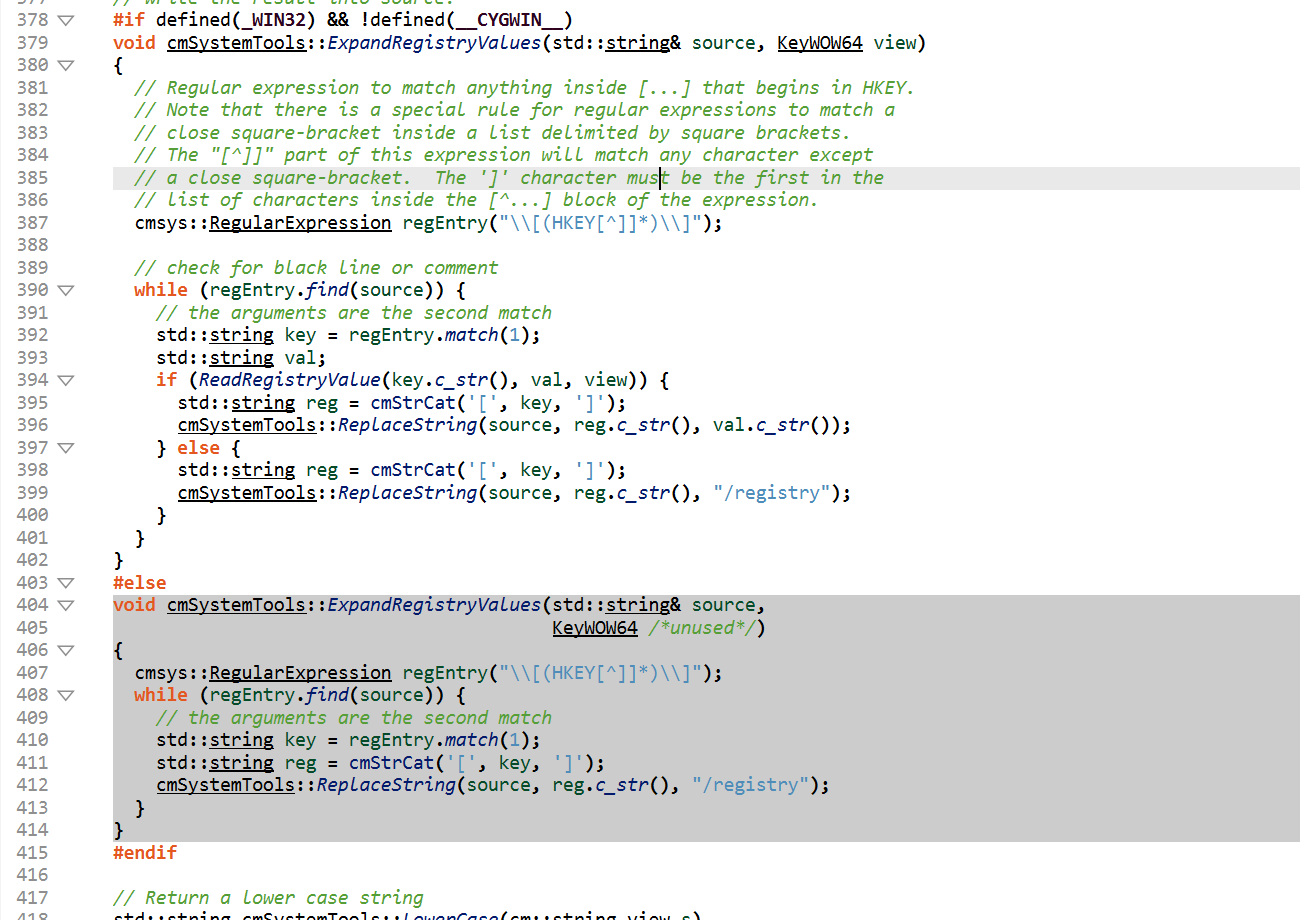
_WIN32 branch is active and its #else twin is inactive — correct for
a Windows project. When code you expect to be analyzed renders like the lower block,
a macro is missing.The most reliable fix is to feed Understand your real build (CMake / Build Watcher or Buildspy). To fix things directly, use the built-in tools.
Improve Project Accuracy
Open Project → Improve Project Accuracy:
- Missing Includes — opens the missing-header configuration (dialog Missing Header Files) so you can add the include directories Understand couldn't find.
- Undefined Macros — opens the Undefined Macros dialog; define the macros so the intended
#ifdefbranch becomes active and the inactive code is parsed. - More Information — opens SciTools' accurate-projects guidance.
After adjusting includes/macros, re-analyze (Project → Analyze All Files).
Related settings
C/C++ include & macro keys (each has Add/Remove variants): -C++Includes, -C++SystemIncludes,
-C++Macros, -C++Undefined, -C++Frameworks — the full list is in the
und settings reference. Confirm you're in the accurate
Strict mode (-C++UseStrict On, the default) — see
accurate C/C++ projects.
Parse problems in other languages almost always trace back to that language's own configuration — see the per-language accuracy notes.