Run your first check
1. Open CodeCheck
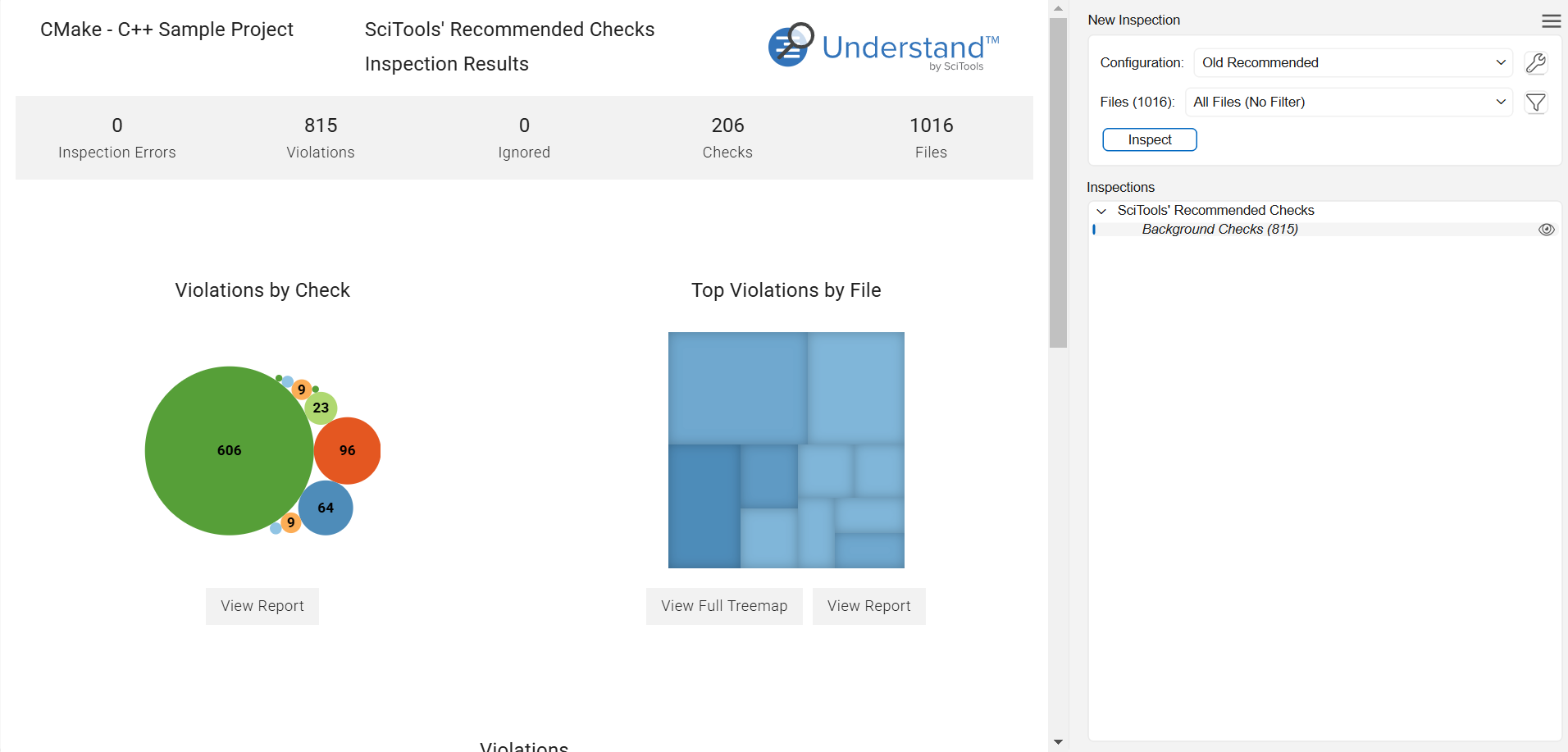
Checks → Open CodeCheck. The CodeCheck panel opens (docked on the right by default) with a New Inspection section.
2. Choose a configuration
Pick from the Configuration: dropdown — a built-in standard (MISRA, AUTOSAR, CERT, …) or one of your own. Click the … button next to it to browse standards and see what each tests.
Make your own: in the configuration manager, click +, name it, select checks, and Save. Or select a standard and copy it, then trim it to your needs — see build and share a custom configuration.
3. Choose the files
In the Files: dropdown pick a scope:
- All Files (No Filter)
- Files changed since last run
- Uncommitted changes
- an architecture (run on one subsystem)
- Customize (pick specific files)
4. Inspect
Click Inspect. When it finishes, the run appears in the Inspections list (each inspection is a snapshot). Open it to review results — see view & triage violations.
Re-run quickly
Checks → Re-Run